If you encounter the error message "You have exceeded the allowed limit" when attempting to log into your account, this means your account has been temporarily blocked due to the following reasons:
Multiple unsuccessful login attempts using incorrect username or password
Requesting the verification code multiple times
To resolve this issue, we recommend waiting for 15 minutes, then trying to log in again using a different web browser.
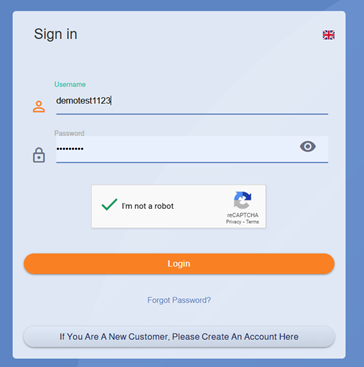
To access your account, please follow these steps:
Then enter the two-factor authentication code sent to your registered phone number.
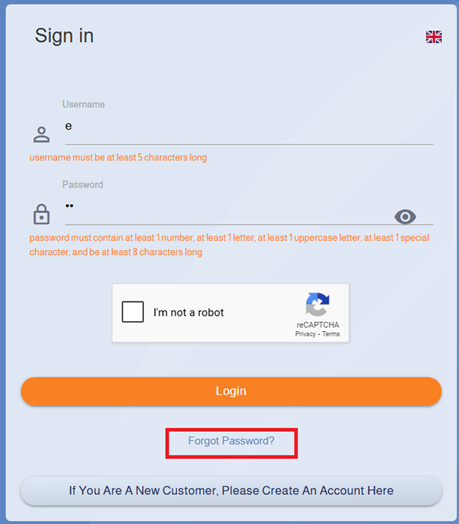
If you have forgotten your password, you can easily reset it by clicking on the "Forgot Password" option.
If the problem persists and you are still unable to access your account, please contact technical support.
Reference Image:
Resetting Your Password
You can easily reset your password by following these steps:
Enter the two-factor verification code sent to the mobile number registered with your account.
Next, enter a strong password. The password must include uppercase and lowercase letters, numbers, and symbols, and be at least 12 characters long. You can click the icon
Re-enable
to allow the system to automatically generate a suitable password for you
Select “I’m not a robot” again, then click “Change Password” to complete the process.
Reference Image:
Login to Account
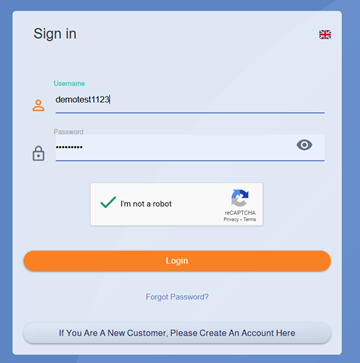
You can access your account on our website by following these steps:
3. Select the "I am not a robot" option, then click "Login".
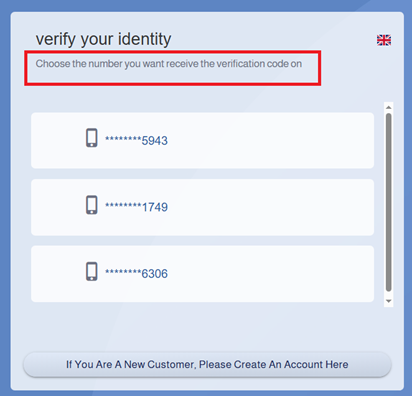
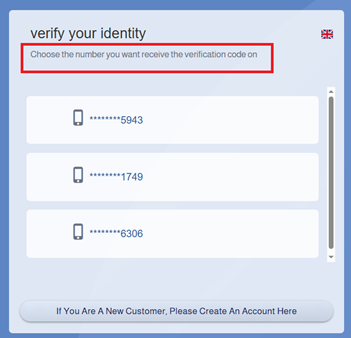
4. A list of available phone numbers will appear for you to choose the number to receive the verification code.
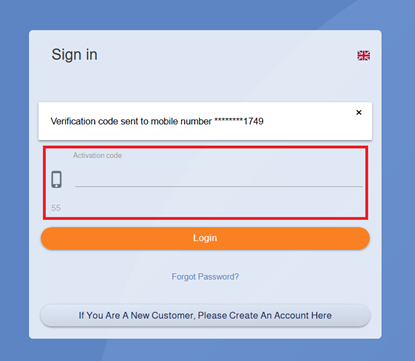
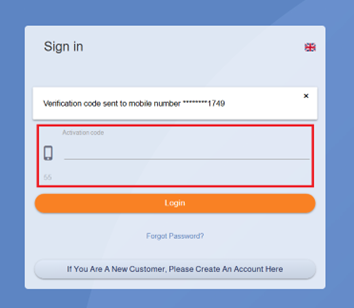
5. Enter the code received on the selected number, then click "Login".
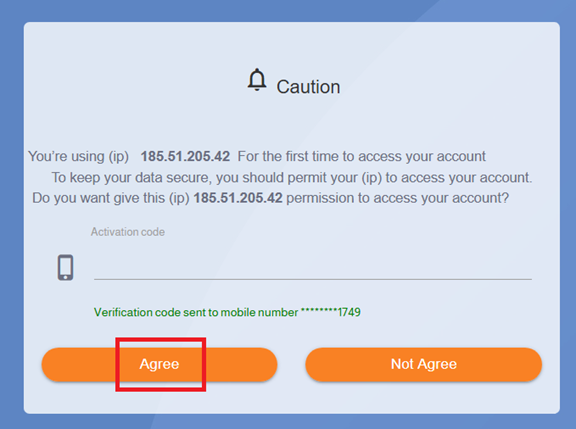
6. If the IP address you are using is not added to the whitelist, you will receive an additional verification code that must also be entered to successfully complete the login process.
Reference Image:
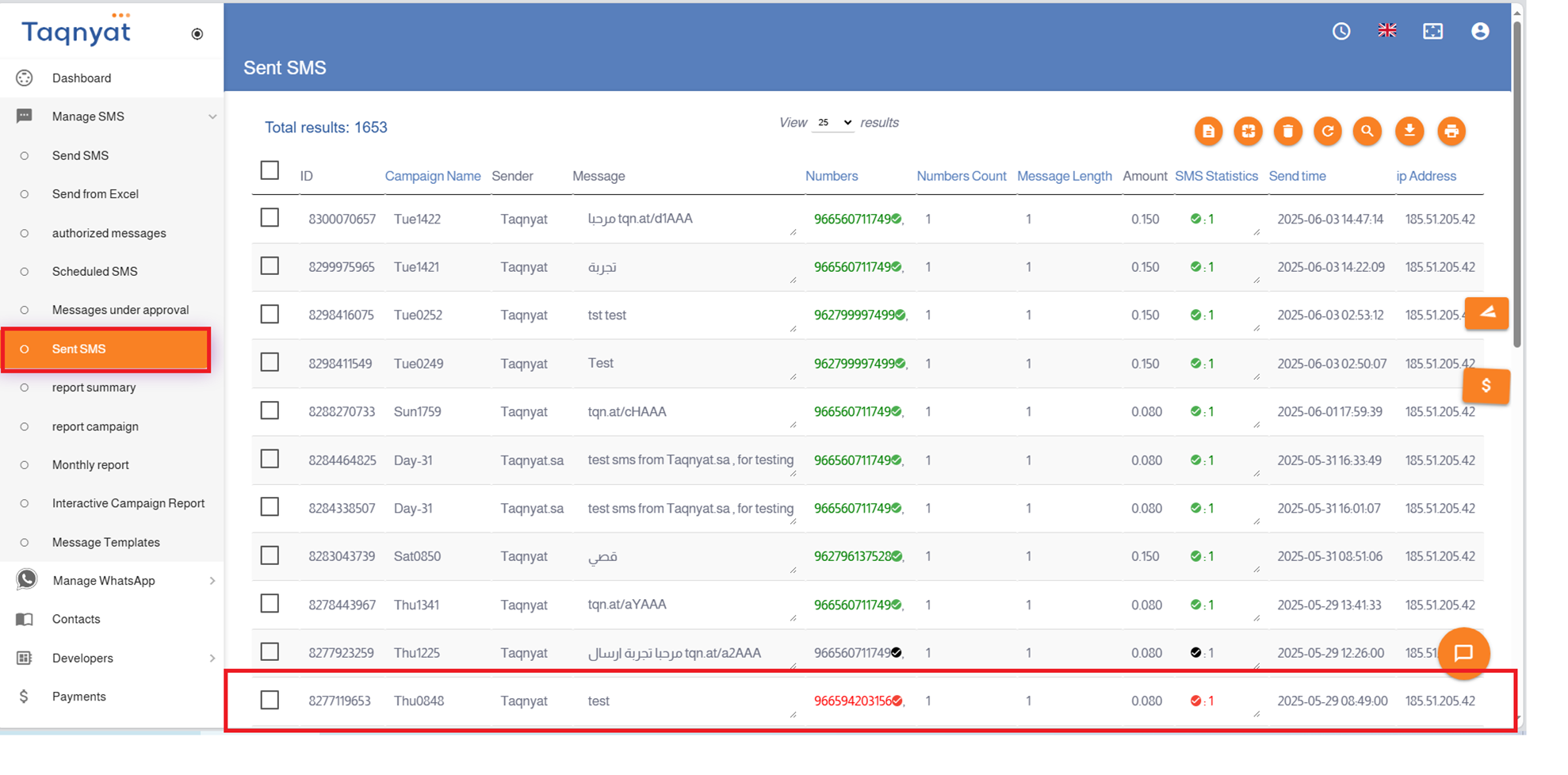
Messages Not Delivered
If the number appears in red in the sent messages report, it means the message was sent but a delivery failure report was received from the telecom operators. The message may not have been delivered due to the following reasons:
First: When the sender name used is a service sender ID:
The phone is disconnected or inactive.
The phone is turned off or out of coverage.
Second: When the sender name used is promotional (ends with -AD):
The phone is disconnected or inactive.
The phone is turned off or out of coverage for a long time.
The number owner has subscribed to block receiving promotional messages from the internet.
To cancel the blocking service, the phone owner must send a normal SMS to the service number. Below are the instructions to cancel this service for all telecom operators in the Kingdom:
For STC subscribers: Send the code 3322 to 900
For Mobily subscribers: Send the word “Continue” to 604445.
For Zain subscribers: Send the word “Activate” to 705000.
To verify the actual reason for message delivery failure to a specific number, please contact technical support.
 to allow the system to automatically generate a suitable password for you