How do I subscribe?
Canary offers various Plans to meet your needs. You can subscribe anytime by following these steps:
- Log in to your account, then click "Plans".
- Choose the package that meets your needs and click "Subscribe".
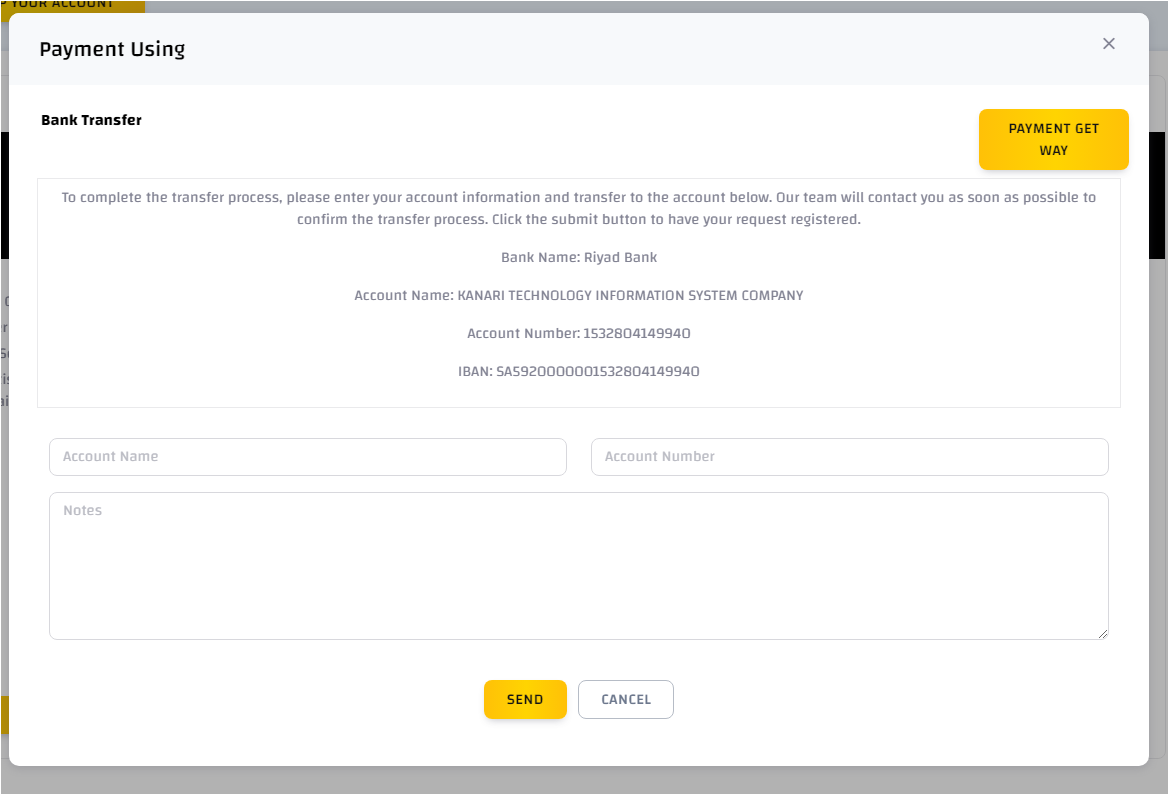
- A pop-up screen with two payment options will appear: bank transfer and electronic payment.
- Bank transfer:
- Transfer the required amount to the displayed account number.
- Fill in your account name, account number, and any notes if available, then click "Send".
- The Canary team will contact you to confirm the transfer and activate the package.
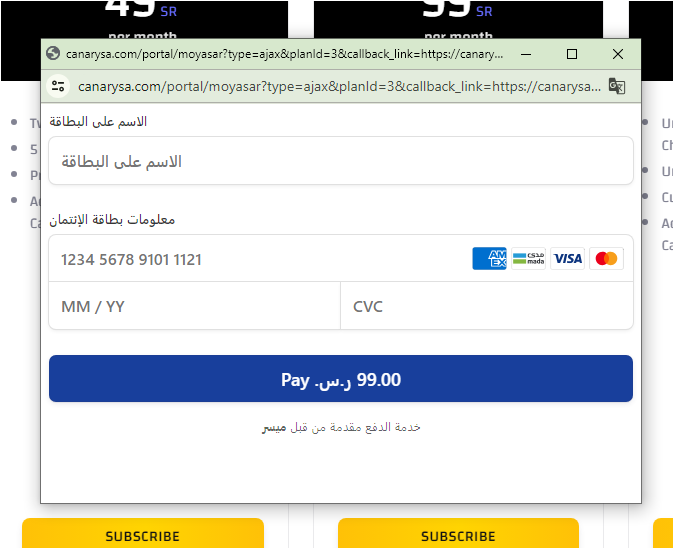
- Payment Gateway:
- Click "Payment Gateway".
- The electronic payment gateway will appear.
- Complete the payment, Congratulations, the plan has been activated.