How do I add a new contact?
How do I add a new contact? There are several ways to add contacts. Log in to your account, click "Contacts", and follow the steps according to your need:
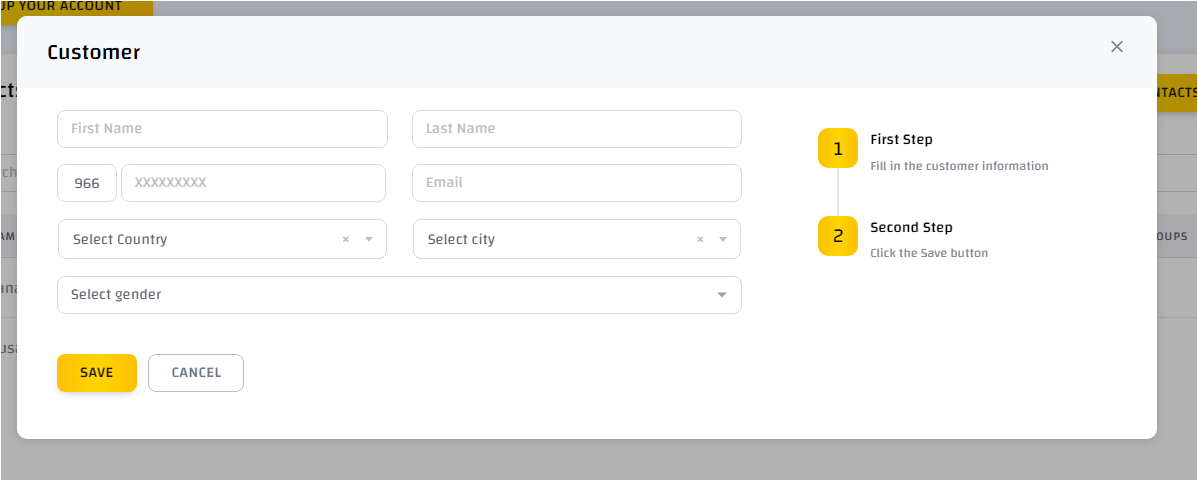
Add a contact manually:
Click "Add contact". A pop-up screen with contact information will appear. Fill in the information and click "Save".
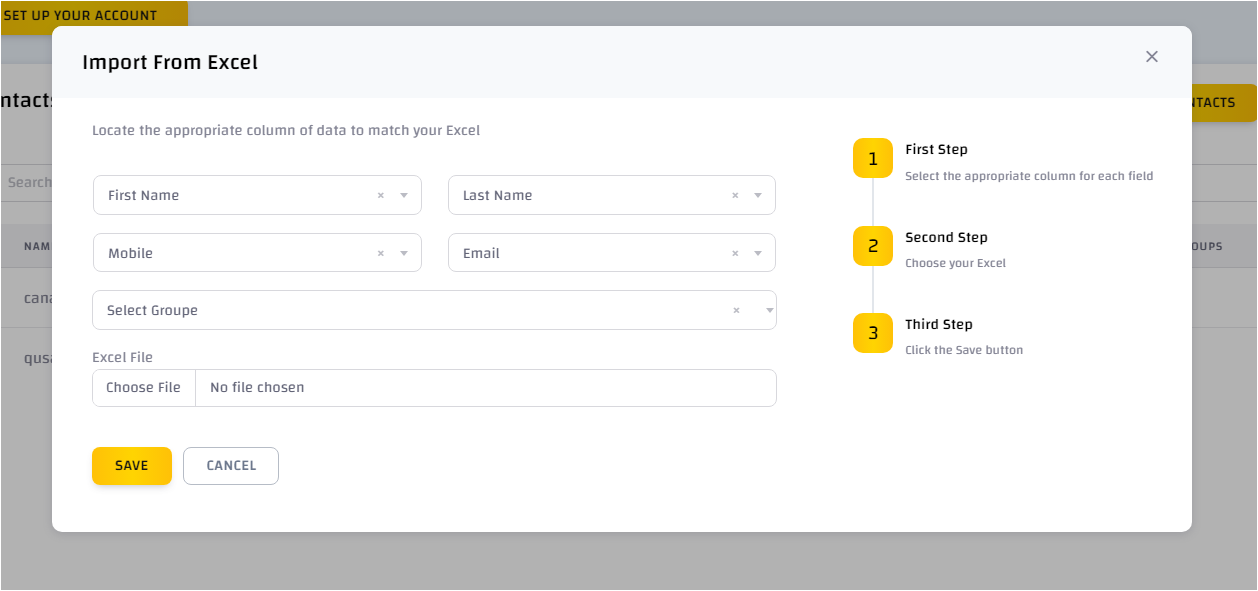
Import from Excel:
You can also import contacts from your Excel file by clicking "Import" then "Import from Excel file". A pop-up screen with the data to be imported will appear. Choose the appropriate column for each field in your Excel file, upload the file, and click "Save".